

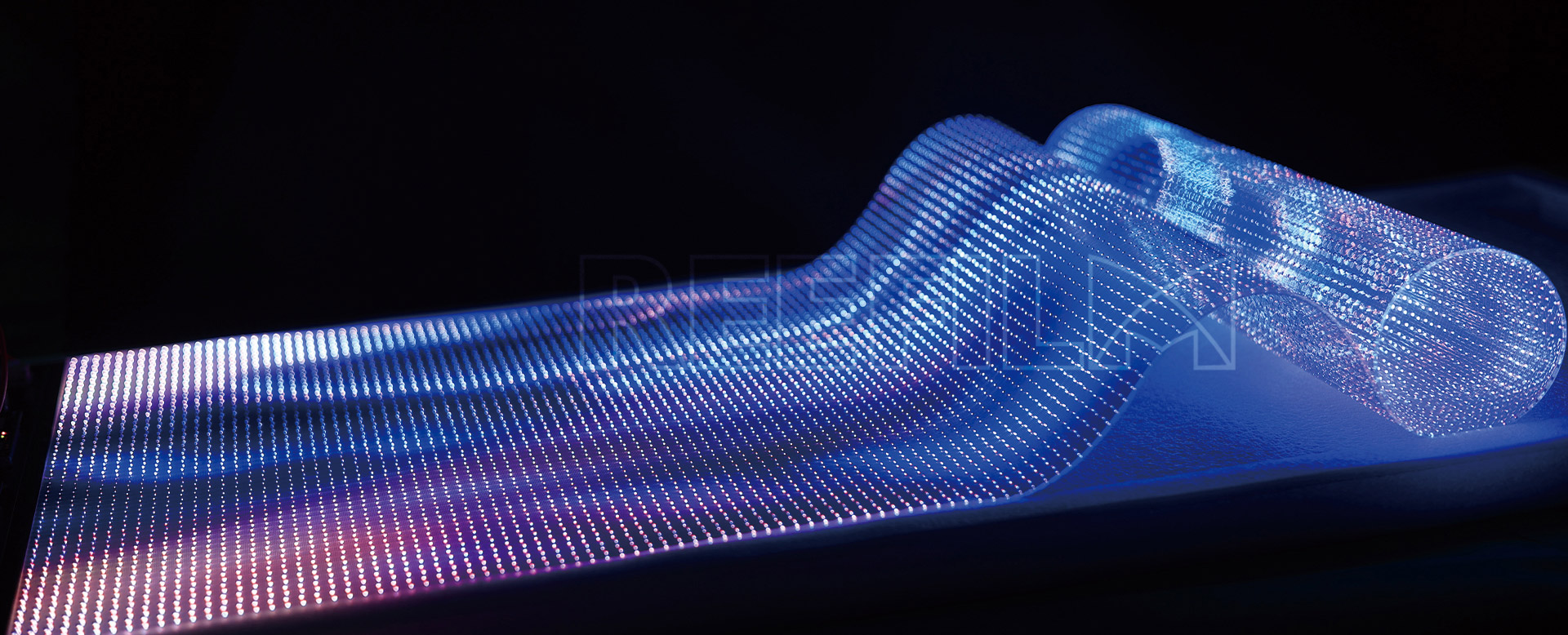
Indoor LED screens have become increasingly popular in various indoor environments due to their versatility and visual appeal. However, whether they are suitable for all types of indoor environments depends on several factors. Let's explore some of the key considerations:
Lighting conditions: LED screens perform best in controlled lighting environments. High ambient light levels can cause glare and reduce visibility, making it difficult to read or view the content on the screen. Therefore, it's important to assess the lighting conditions of the indoor space before determining the suitability of an LED screen.
Viewing distance: The pixel pitch of an LED screen determines the optimal viewing distance. Smaller pixel pitches provide higher resolution but are best suited for shorter viewing distances. Larger pixel pitches offer lower resolution but are suitable for longer viewing distances. Consider the viewing distance in the indoor environment to ensure that the LED screen's pixel pitch matches the requirements.
Content and purpose: Different indoor environments have diverse content and purposes. Indoor LED Display are commonly used in retail stores, airports, stadiums, corporate settings, and more. Each of these settings has unique requirements for displaying content effectively. For example, a higher pixel density may be necessary for detailed product displays in a retail environment, while a lower pixel density may suffice for general in


